
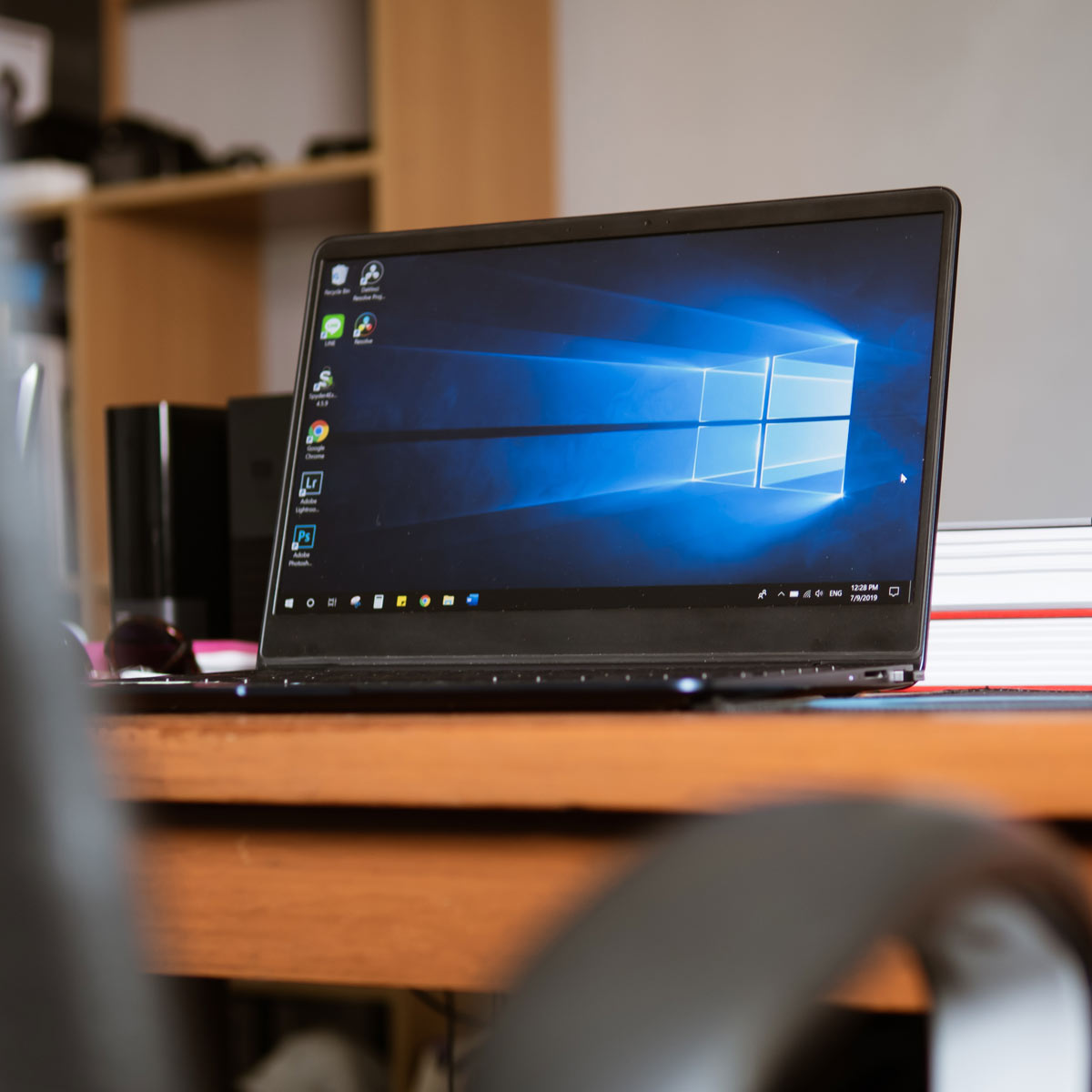
Microsoft ended support for Windows 10 on October 14, 2025. If your business is still running Windows 10 machines, they have been operating without security updates ever since.
Most of those computers still turn on and run fine, which is exactly why this is easy to put off. The problem isn’t performance. It’s that the door is unlocked and there’s nothing on the screen to tell you.
Straight from the source: You don’t have to take our word for any of this. Microsoft published their own guide to what end of support means and what your options are. Read Microsoft’s guide to Windows 10 end of support.
Common Questions
What actually changed on October 14, 2025?
Microsoft stopped issuing security updates, feature updates, and technical support for Windows 10. The operating system still works, but it is no longer being maintained.
In practical terms: when a new security flaw is discovered in Windows 10 from that date forward, Microsoft does not fix it. The flaw stays open on your machines permanently.
Our computers work fine. Why is this a problem?
This is the most common and most reasonable question we get, and it deserves an honest answer.
Nothing about the machine’s day to day performance changes when support ends. Your team logs in, opens their programs, and gets their work done exactly like they did the week before. There’s no warning light.
What changed is underneath. Security researchers and criminals both keep finding new flaws in Windows. Before October 2025, Microsoft patched those flaws every month and your machines got fixed automatically. Now they don’t. Each new flaw discovered from here forward is a permanent opening.
So the risk isn’t that your computers stop working. It’s that they keep working normally while quietly becoming easier to break into.
Isn't this just a way to sell us new computers?
Fair question, and we’d rather answer it directly than dance around it.
Yes, we sell and install workstations, and yes, we benefit when clients upgrade. We also would not be doing our job if we knew your machines were unpatched and said nothing.
You don’t have to trust our motives on this. Microsoft’s own end of support notice says the same thing we’re telling you. The end date is theirs, not ours, and it applies to every business running Windows 10 regardless of who supports their IT.
If you’d rather handle the upgrade yourself or through someone else, that’s fine with us. We’d just rather you handle it.
What's the actual risk? Give me specifics.
Four things, in rough order of how likely they are to affect you.
- Unpatched vulnerabilities accumulate. This isn’t a one-time risk that you either dodge or don’t. The gap widens every month that passes.
- Unsupported systems are actively targeted. Attackers scan for them because the success rate is higher. Nobody is choosing your company by name. Automated tools look for unpatched machines and your company size isn’t part of the search.
- One workstation is usually enough. Most serious incidents don’t start at the server. They start at one machine and move sideways from there.
- Security software can’t close the gap. Antivirus, firewalls, and monitoring all still work and still help. None of them can patch a hole in the operating system itself. That’s true for every IT provider, not just us.
Will this affect our cyber liability insurance?
It might, and this is the question we’d most encourage you to chase down.
Most cyber liability policies now include questions about whether your systems run vendor-supported software. Some make it a condition of coverage. Depending on how your policy is written, a claim involving an unsupported machine could be reduced or denied.
We can’t tell you how your specific policy treats it, and we won’t guess. What we’d suggest is a five minute call or email to your insurance broker asking two questions:
- Does our policy require that covered systems run supported operating systems?
- Would a claim involving an unsupported machine be affected?
Whatever the answer turns out to be, you should be the one who knows it before you need it.
Does this affect HIPAA, PCI, or other compliance requirements?
It can, depending on what your business handles.
If you take payment cards, handle patient information, or hold client financial data, the frameworks you’re subject to generally expect you to run supported, patchable systems. Unsupported operating systems can put you out of step with requirements you’ve already agreed to meet.
There’s also a growing business risk that has nothing to do with regulators. Larger clients and partners increasingly send vendor security questionnaires that ask about this directly. Answering honestly can cost you a contract. Answering carelessly can cost you more.
We’re not attorneys or compliance auditors, so treat this as a flag rather than a formal assessment. If you’re in a regulated industry, it’s worth raising with whoever handles your compliance.
Can't we just be careful instead?
Careful users genuinely help. Training your team not to click suspicious links reduces your risk meaningfully, and we’d encourage it regardless.
But it doesn’t solve this particular problem. Many of the attacks that exploit operating system vulnerabilities don’t require anyone to do anything wrong. They target the machine, not the person using it. Careful behavior doesn’t patch an operating system, and neither does luck.
What about Microsoft's paid extension program?
Microsoft offers an Extended Security Updates program, usually shortened to ESU. It’s real, and for some businesses it’s a reasonable bridge.
What you should know before counting on it:
- It buys security patches only. No feature updates, no bug fixes, no technical support.
- It costs money per machine, per year.
- The price increases each year it’s extended, by design. Microsoft built it to get more expensive than upgrading.
- It ends. It’s a bridge to Windows 11, not an alternative to it.
If you have a specific reason you can’t move certain machines yet, ESU may be the right call for those. Ask us and we’ll tell you honestly whether it makes financial sense in your situation. For most businesses, the math favors upgrading.
Do we need brand new computers, or can our current ones be upgraded?
It depends on the machine, and it’s usually a mix.
Windows 11 has hardware requirements that many older computers don’t meet, particularly around a security chip called TPM 2.0. Machines that meet the requirements can often be upgraded in place, which costs labor but no new hardware. Machines that don’t need to be replaced.
You don’t need to figure this out yourself. We already have an inventory of what’s on your network and we can tell you exactly which machines fall into which category, along with what each path costs.
What does this cost, and can we spread it out?
Cost depends on how many machines need replacing versus upgrading, so we’ll give you real numbers rather than a range.
On spreading it out, yes, and we’d rather do that than have you do nothing. A few options that work well:
- Phase by department. Handle one group at a time across a couple of budget cycles.
- Start with your highest risk machines. The ones handling sensitive data or belonging to people who can’t afford downtime go first.
- Move it to monthly. Instead of one capital purchase, we can structure workstations as a per device monthly cost inside your existing agreement.
Tell us what your budget actually allows and we’ll build a plan around it.
How disruptive is the upgrade? Will my team lose a day?
Less than most people expect. We typically handle these in small groups rather than all at once, scheduled around your calendar, and often outside business hours.
We handle data migration, software setup, printer and peripheral configuration, and secure disposal of the old machines. Your team’s files, email, and settings come across.
Windows 11 also looks and works much like Windows 10. The Start menu moved and a few things were refreshed, but there’s no real retraining involved. Most people are up to speed the same morning.
I'm not sure which of our machines are affected.
You don’t need to go count anything. We already know what’s on your network.
Reach out and we’ll send you a straight list: which machines are running Windows 10, which can be upgraded in place, which need replacing, and what each option costs. No obligation attached to asking.
What happens if we decide not to do this?
That’s your call to make, and it’s a legitimate one. Plenty of businesses will weigh the cost against the risk and decide to wait.
If that’s where you land, we’ll ask you to sign a short acknowledgment confirming we’ve advised you and that you’ve chosen to continue as-is. That’s not us being difficult. It protects you by making sure the decision was informed, and it protects us by documenting that we did our job.
From there we keep supporting you the way we always have, within the limits that unsupported machines create. And whenever you’re ready to revisit it, we’ll be here.
The Short Version
What we'd tell a friend who owns a business
The machines work, so it’s easy to wait. But the risk only moves in one direction, and the two things most likely to actually cost you money are an insurance claim getting denied and a compliance requirement you didn’t realize you’d broken. Call your insurance broker this week. That five minute conversation will tell you how urgent this is for your specific situation better than we can.

Want to know exactly where you stand?
Xobee Networks provides managed IT, cybersecurity, and cloud services to businesses.
Microsoft’s official guidance on Windows 10 end of support is available here. Information on this page is general guidance and is not legal, insurance, or compliance advice.
Recommended
Platinum Edition
Unlock limitless potential with our Platinum Edition, providing unlimited comprehensive support.- Unlimited Onsite and Remote Support
- Full IT Management
- OS Software Patches and Updates
- Anti-Virus Software & Management
- Cyber360 Security Software & Monitoring
- Disaster Recovery Backup Services
- Office 365 Management
- Virtual CIO Quarterly Meetings
- Rapid Response Priority
Gold+ Edition
Discover the full suite of features complemented by unlimited remote support.- Unlimited Remote Support — On-site support billed at $165/hour
- Full IT Management
- OS Software Patches and Updates
- Anti-Virus Management
- Office 365 Management
- Virtual CIO Quarterly Meetings
- Rapid Response Priority
Gold Edition
Optimize operations with our Gold Edition, offering essential services at an enterprise level.- Includes 10 hours per month — $150/hour overage
- Full IT Management
- OS Software Patches and Updates
- Anti-Virus Management
- Office 365 Management
- Virtual CIO Quarterly Meetings
- Rapid Response Priority
